Loading...
We regularly add new tools. Missing something? Let us know!
OpenAI's AI platform with text chat, image generation, coding tools, voice conversations and research agent. Available as free and paid service via browser, desktop and mobile.

AI platform with a growing ecosystem of specialized tools. Strong on long documents, agentic work, coding, complex reasoning and natural writing.
Google's AI platform with multimodal models for chat, research, coding and creative work. Deeply integrated with Google Workspace.

AI assistant built into the Microsoft 365 apps. Helps you write, analyze data, create presentations and summarize meetings and emails directly in the tools you already use.
OpenAI's AI platform with text chat, image generation, coding tools, voice conversations and research agent. Available as free and paid service via browser, desktop and mobile.

OpenAI's Chromium-based browser with a built-in ChatGPT sidebar. Ask questions about web pages, summarise articles and let Agent Mode carry out tasks in the browser on its own.

Editing surface in ChatGPT where you write and edit text or code side by side with the AI. Supports inline edits, version history and export to PDF, Word and Markdown.

ChatGPT's conversation interface, with text, voice, file upload, web search, image generation and Agent Mode. Supports Custom GPTs and Advanced Voice Mode.

Image generation in ChatGPT with GPT Image 1.5. Create images from text, edit existing ones and add text directly in the image. Works in a conversational format with iterative edits.

Workspace in ChatGPT where you gather conversations, files and instructions for ongoing work. ChatGPT remembers the context across every conversation inside the project.

OpenAI's autonomous coding agent that runs in cloud sandboxes, reads GitHub repos, writes code and opens pull requests. Available through the web, a CLI, a desktop app and a VS Code extension.

Free LaTeX editor from OpenAI with a built-in AI assistant for scientific writing. Cloud-based, unlimited collaborators and projects, Zotero integration and handwriting-to-LaTeX conversion.
AI platform with a growing ecosystem of specialized tools. Strong on long documents, agentic work, coding, complex reasoning and natural writing.

Claude's conversation interface for writing, analysis and problem solving. Artifacts give you a live preview of code, documents and visualizations right in the chat.

Agentic coding tool that works across entire codebases straight from the terminal or the desktop app. Also a powerful tool for knowledge workers.

Agentic workspace that lets Claude work independently on tasks on your computer. File organization, research, document production. Send tasks from your phone with Dispatch.

Build prototypes, landing pages, presentations and design systems by talking to Claude. Chat on the left, a live canvas on the right, and finished designs export to Canva, Gamma, PDF, PPTX, HTML, or hand off straight to Claude Code for implementation.

Chrome extension that gives Claude access to your browser. Summarize pages, fill in forms, navigate websites, all from a side panel in the browser.

Claude inside Microsoft Excel. Analyze data, build formulas and charts in plain language without breaking existing formulas and dependencies.

Claude inside PowerPoint. Build presentations from text or data, restructure content and get help with the message. Can follow your company template.

Dedicated workspaces with their own knowledge base, instructions and conversation history. Gives Claude lasting context about your work.
Google's AI platform with multimodal models for chat, research, coding and creative work. Deeply integrated with Google Workspace.

Interactive workspace in Gemini for writing, building slides, coding and making apps right in the chat. Free for all users.

Google's AI chat interface with voice conversation, Deep Research and integrations with YouTube, Gmail, Maps and more. Among the biggest context windows in its class.

Google's image generation and editing through Gemini. Create images from text, edit existing ones, and get text rendered in images with good precision.

AI-powered research tool where you upload documents and have conversations with the content. Generates AI podcasts that summarize your sources.

Google's no-code platform for building simple AI agents and AI-powered workflows that automate tasks across Gmail, Drive, Sheets and other Workspace apps. Describe what you want done in plain language, and Gemini builds the agent for you through Workspace Studio.
AI assistant built into the Microsoft 365 apps. Helps you write, analyze data, create presentations and summarize meetings and emails directly in the tools you already use.

Chat-based AI assistant in Microsoft 365 that can search across your company's emails, files and meetings. Answers are based on your actual data, not just what's on the web.

Copilot Cowork is a preview feature in Microsoft 365 Copilot for multi-step work. It's built to help with tasks like email drafting, meeting prep, document work and coordination across Microsoft 365.

AI assistant in Excel that analyses data, writes formulas and builds charts from natural language. The new COPILOT() function lets you use AI directly in the formula bar.

AI assistant in Outlook that summarises email threads, drafts messages in the right tone, and helps you get through the inbox faster.

AI assistant in PowerPoint that builds presentations from text, documents or bullet points. Works best as a structure tool, not finished design.

AI assistant in Teams that summarises meetings in real time, lists action items and helps you catch up on what you missed in chats and channels.

AI assistant in Word that helps you draft, rephrase and summarise. Agent Mode lets Copilot actively edit the document.

AI-powered workspace where you gather files, meeting notes and chats around a project. Copilot answers based on everything you've put in.

Collaborative surface where you turn AI-generated content from Copilot Chat into editable documents the team can work on together in real time.
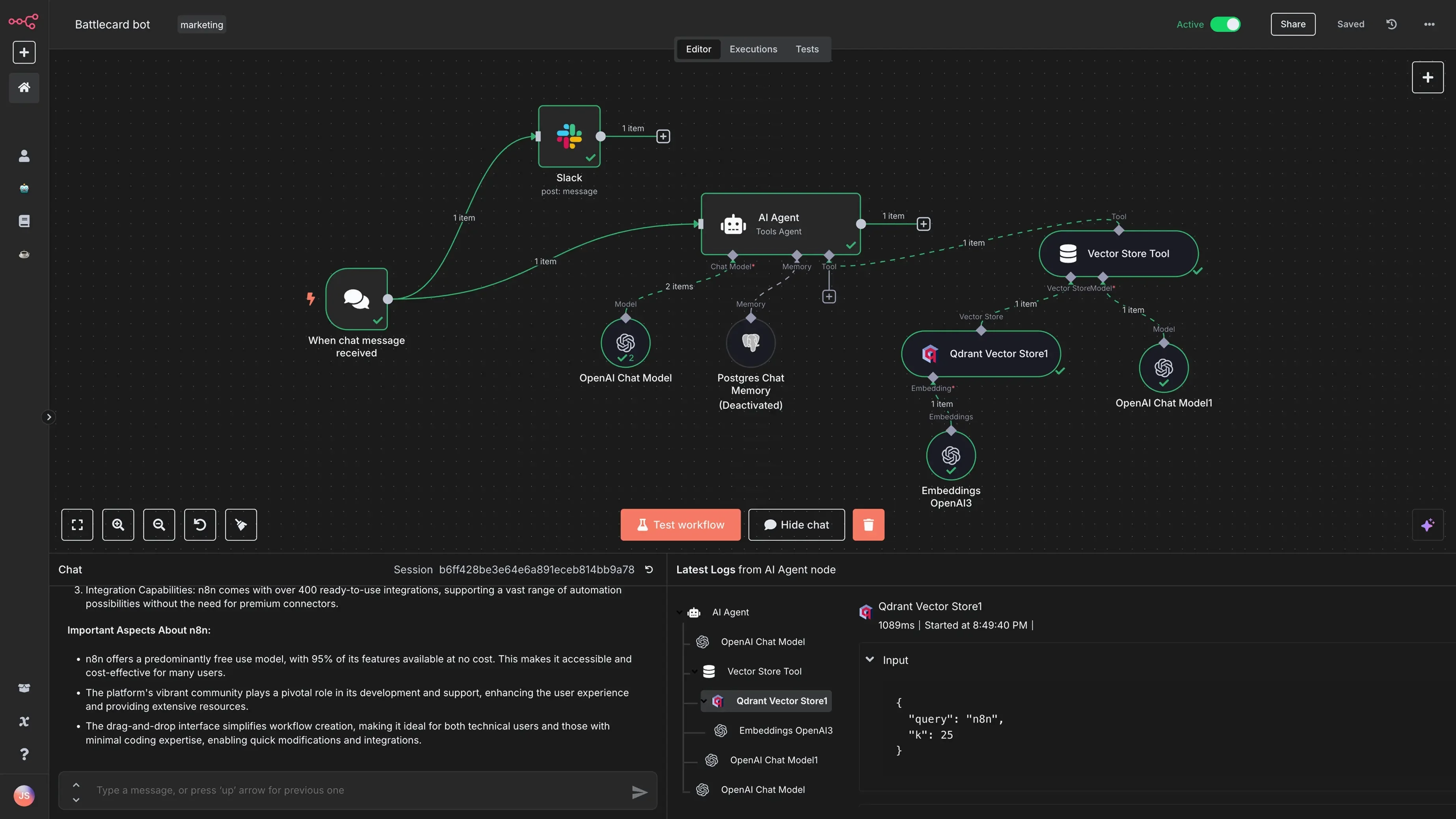
Open source automation you can run on your own server with unlimited workflows. Free when self-hosted, most powerful for technical users.
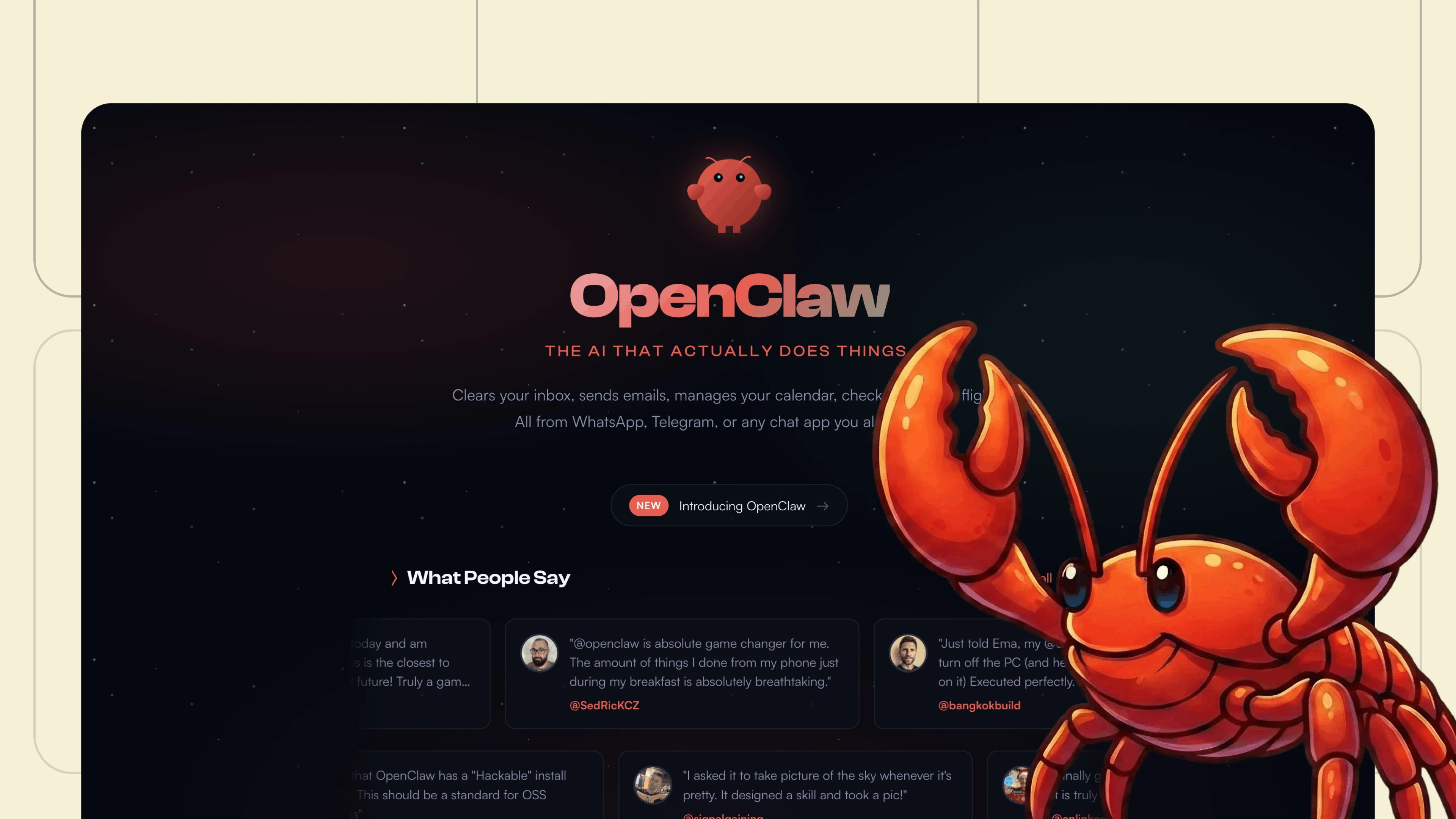
Self-hosted, open source AI agent that connects to messaging apps, calendar, email and smart home. Runs locally on your own machine with full data control.
We're expanding the collection continuously. Have a suggestion? Send us a tip!
Send suggestion