
Loading...

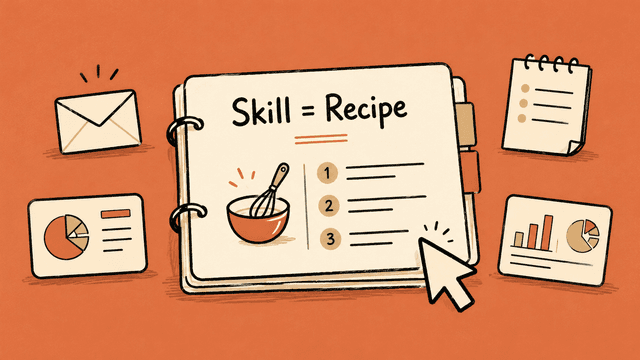
If you've used Claude for a while, you've probably explained the same thing more than once.
It works, but it's a hassle. Every new conversation, you have to repeat how you want things done. Every report, email, summary, or presentation means another round of reminders. Maybe you've even got a polished prompt saved somewhere that you copy-paste in.
Claude Skills are built for exactly this problem.
Think of a Skill as a fixed recipe Claude can pull up when it needs to. It can hold instructions, examples, templates, reference files, and in more advanced setups, small scripts. For most people, a single text file explaining how Claude should handle a particular type of task is plenty.
You build the Skill once and save it, and Claude picks it up automatically when needed. In regular Chat, Projects, and Cowork. You don't even have to build the Skill yourself. Claude has a Skill specifically for building Skills. You just tell Claude what it should do.
A Skill is a way of teaching Claude how you want a repeatable task done.
This guide is for anyone who hasn't built a Skill before, or has tried but didn't quite get the point. The goal is for you to understand what Skills are useful for, and then actually start building a few that help you in daily work.
A Skill is a folder containing a text file in markdown format with instructions Claude follows when a task gets done. Markdown (.md) might sound or look a bit scary, but it's just a text file with some symbols that define formatting (for example, # means heading 1, ## means heading 2).
You don't really need to think about the folder structure. Claude handles all of that for you, but it's nice to have a rough idea of what's possible.
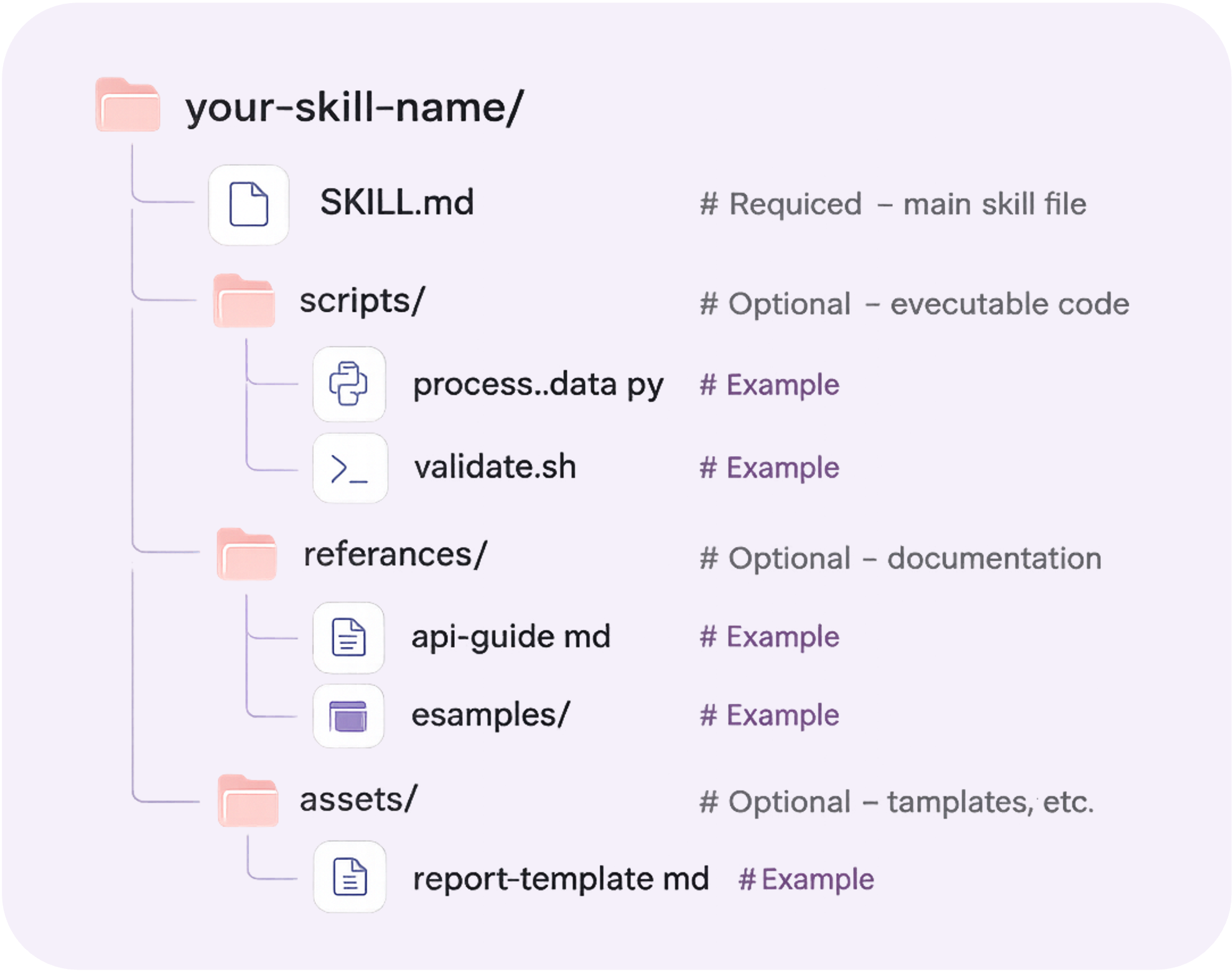
You only need SKILL.md with the actual instructions, but as the figure above shows, you can add more. References are often useful. If you have a Skill for drafting LinkedIn posts, this is where you'd put examples of good posts.
Skills break down into roughly three use cases:
Used for creating presentations, design, code, documents, spreadsheets, analyses, dashboards and similar, with predictable design and structure.
This is about teaching Claude a process. It can be fixed steps done directly in Claude (like first asking follow-up questions, doing research, quality-checking, producing a report) or using other tools (like pulling certain meeting notes from Granola and relevant emails from Gmail, doing an analysis and assessment, publishing the content to Notion).
This one's a bit more technical. MCP is a way for AI to connect to tools like Gmail, Notion, Slack and so on. MCP provides the access, while a Skill provides the knowledge of how the connection should happen. People often use a kitchen analogy: MCP is the kitchen with equipment and ingredients, Skills are the recipe.
Skills work best when the task repeats. A simple test: have you explained the same approach to Claude more than three times?
Then it's probably a Skill.
Skills are less useful for one-off tasks. If you just need to ask one question or write one short piece of text, regular chat is fine. Skills start to make sense when you want the same kind of output multiple times.
It's easy to mix up Skills with other Claude features.
In short:
Sign in or create a free account to continue.
No trial, no credit card, no mandatory newsletter.


